Introducing Custom Note Covers, Styled by You
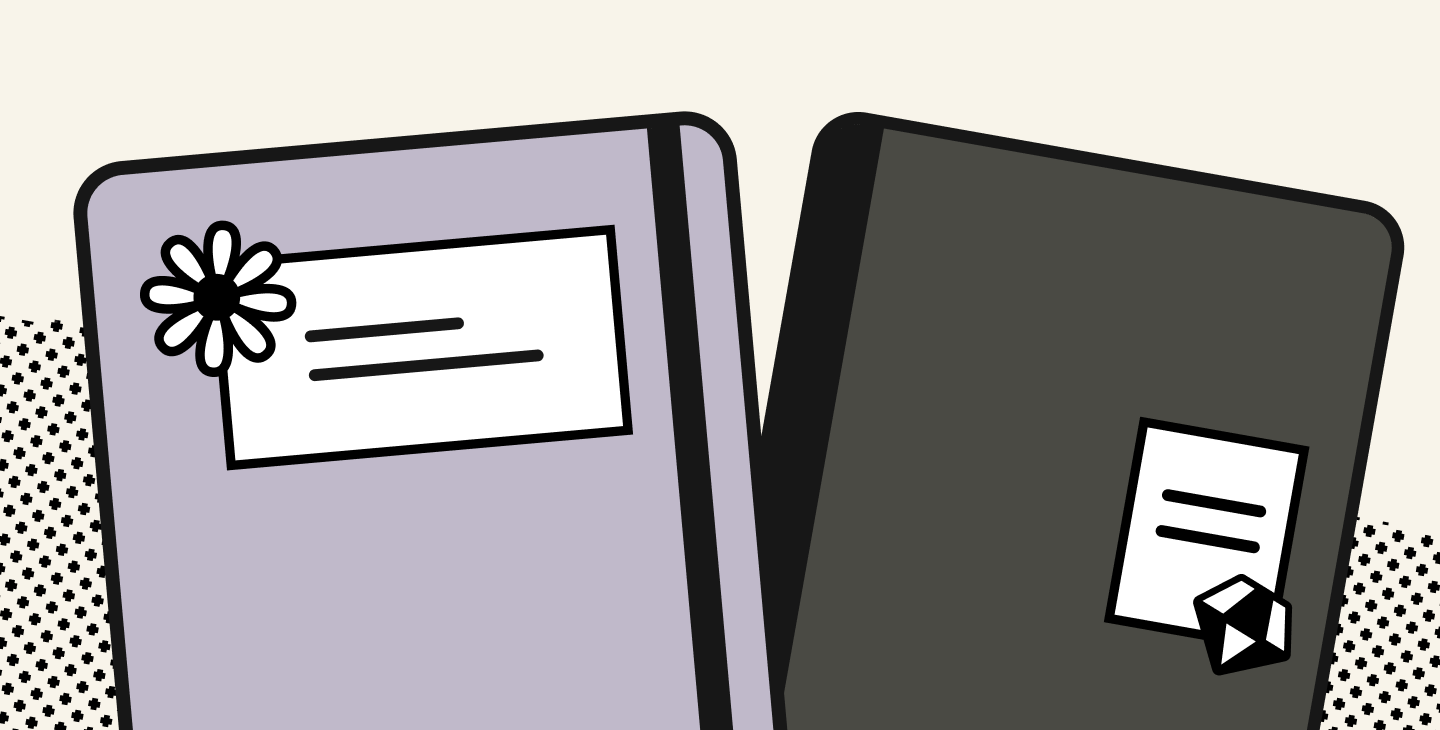
Notability's new Note Covers are here, made by you. Customize your notes and add personality this school year with presets, stickers, and drawings.
TL;DR
- Notability's custom Note Covers are out now to all users on Notability Cloud
- Note Covers allow you to personalize your library with different template bases to choose from, stickers, and your creativity
- Featuring giveaway entries, where users submitted their best Note Cover designs to win an iPad cover of their choice, look out for more giveaways on our socials and subreddit!
Say goodbye to that first blank white page of your notes. Our new custom Note Covers allow you to replace it with a thumbnail that's actually yours, and give your notes some personality. Now, no one can tell you ‘what color Math should be’ but you. Select a Note Cover from our preset options, then add any stickers, words, or drawings to spruce things up. Create one right from the Library or from inside an existing note
Please note: Note Covers are available exclusively on Notability Cloud.
How to add a Note Cover
From the Library:
- Press and hold a note
- Select Add Note Cover
- Choose a preset
- Select Done
From a note:
- Open the Content Manager
- Select the three dots on any page
- Select Add Note Cover
- Choose a preset
- Select Done
For the full how-to, including how to remove a cover or manage covers on shared notes, see our support article on Note Covers and watch the introduction video on our Instagram to help get you started.
Styled by you
Once Note Covers shipped, we were eager to see how students decided on decorating their notes, so we asked you to design your own and send them in for a giveaway on Reddit. Here are a few of our favorites:
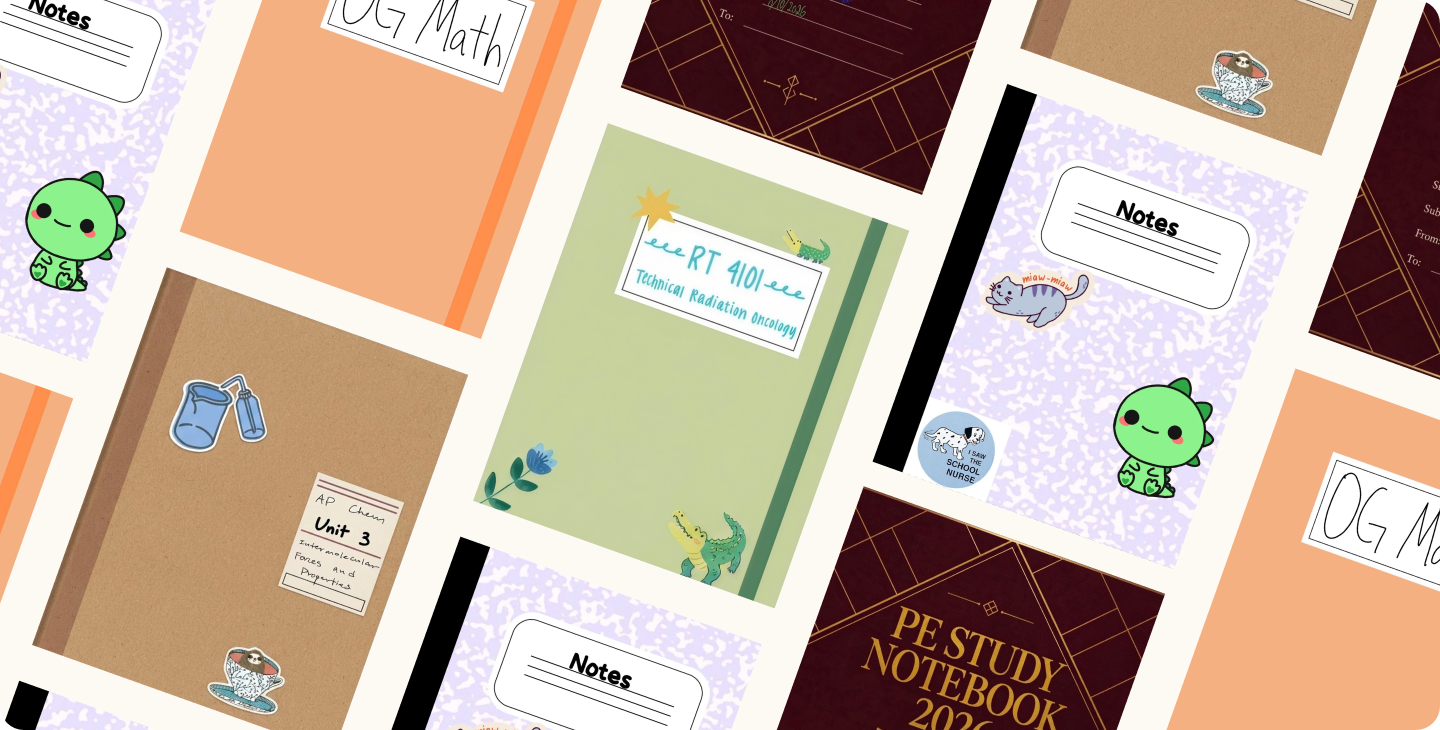
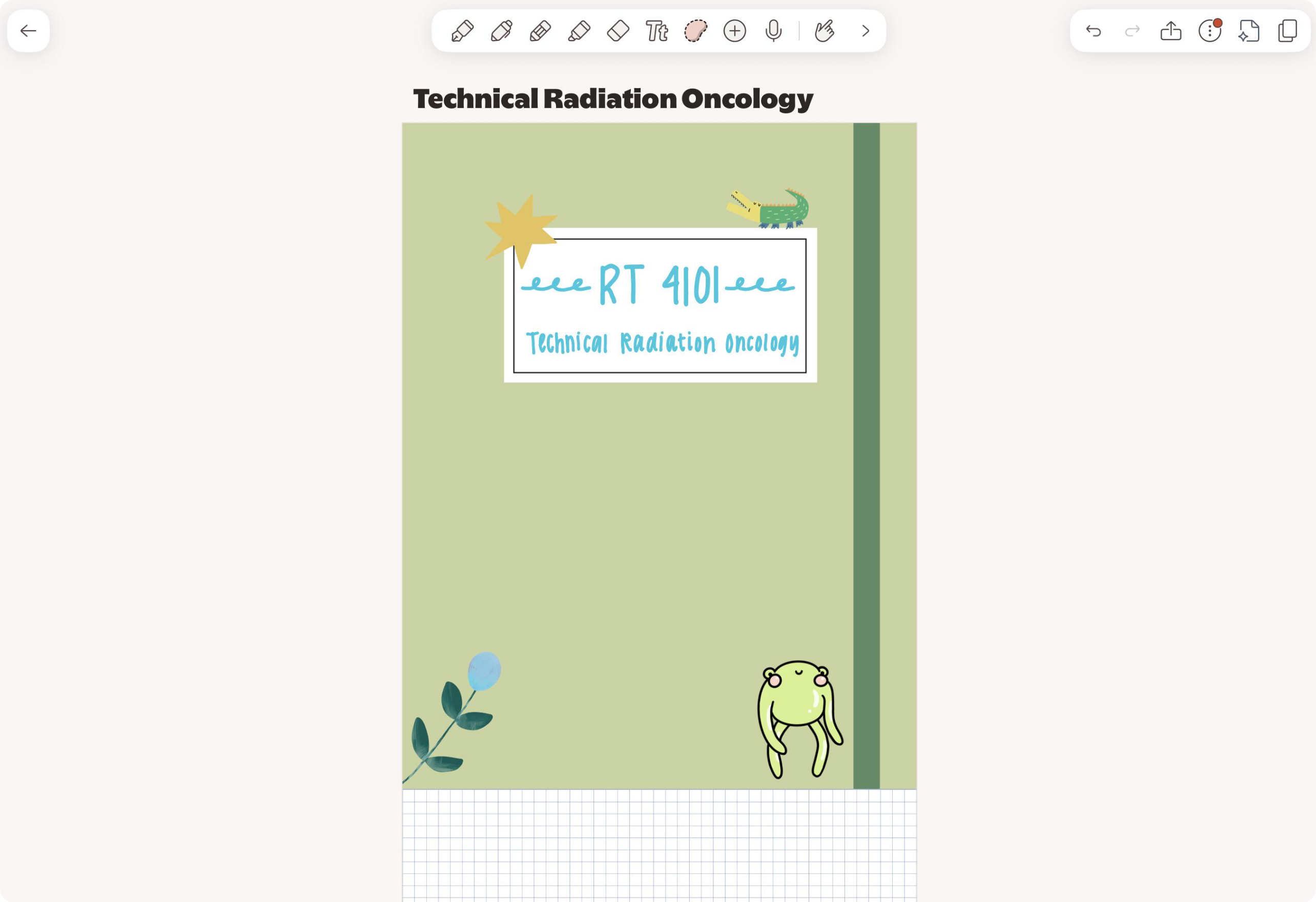
Thank you to everyone who submitted. It's always fun to be reminded how creative our users are, and we're already looking forward to the next giveaway.
Future opportunities
We love seeing your Note Cover creations, and we want to keep involving you in fun events like this. Follow us on all social media platforms at @notabilityapp and watch our subreddit for more giveaways and opportunities. So far, users have won Apple iPads, a Galaxy Tab S1, an S Pen, iPad covers, and there is plenty more to come. Try custom Note Covers today, available to all users on Notability Cloud.

.png)