Meet the Calligraphy Fountain Pen and the Engineer Who Built It
Notability's new Calligraphy Pen turns your handwriting into something intentional, built on over a decade of ink engineering, led by the person who's shaped it since day one.
TL;DR
- The Calligraphy Pen is Notability's new digital fountain pen tool, now in early access on iOS for Plus/Pro users on Notability Cloud.
- The Calligraphy Pen is rolling out to all iOS users on 8/31.
- We interviewed Holmes Futrell, Notability's lead Software Engineer on graphics technology, about his experience building the Calligraphy pen.
- The tool is built on Bézier curves, which keep strokes sharp at any zoom level and editable after the fact.
- Notes with calligraphy strokes already sync to Android and web, though they render as regular ink there for now, with full platform and tier support coming soon.
Meet the Calligraphy Pen
The Calligraphy Pen is Notability's newest ink tool, currently in early access on iOS for Plus and Pro users on Notability Cloud, and available to all iOS users starting August 31. You can pick up the digital fountain pen when you want beautiful writing, section headers, art, and anytime else you want your handwriting to look intentional. Behind the new tool is more than a decade of work on how Notability renders ink, led by Holmes Futrell, our lead Software Engineer on graphics technology.
Holmes has been on the ink team since Notability launched with the first iPad. "It became obvious right away how central handwriting was going to be to the whole product," he says. Partial Eraser and Pencil came next, and the Calligraphy Pen is the most recent addition. Students can reach for it, Holmes explains, "whenever they want their writing to look beautiful." That's usually in the section headers in notes or artwork.
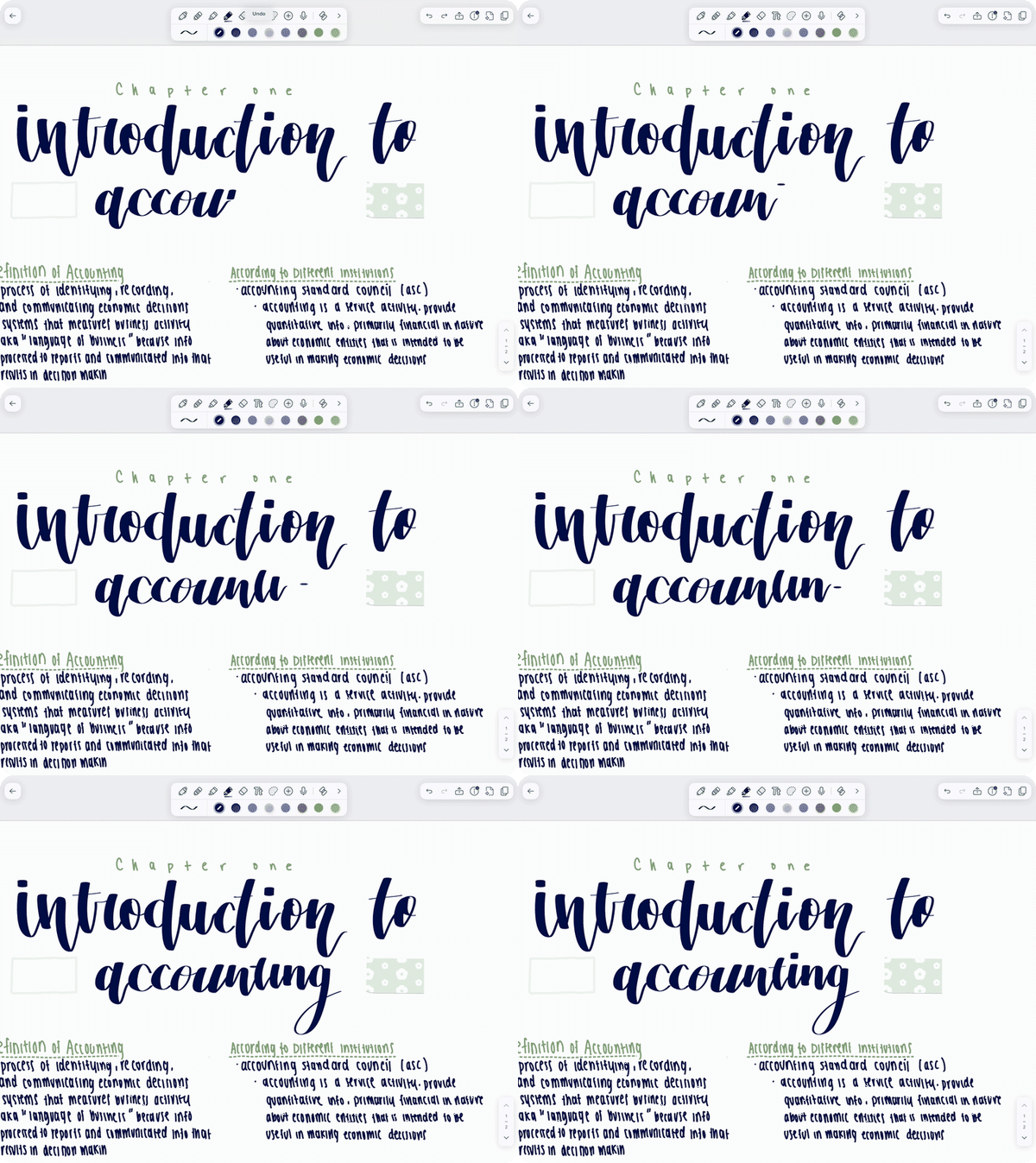
How to use the Calligraphy Pen
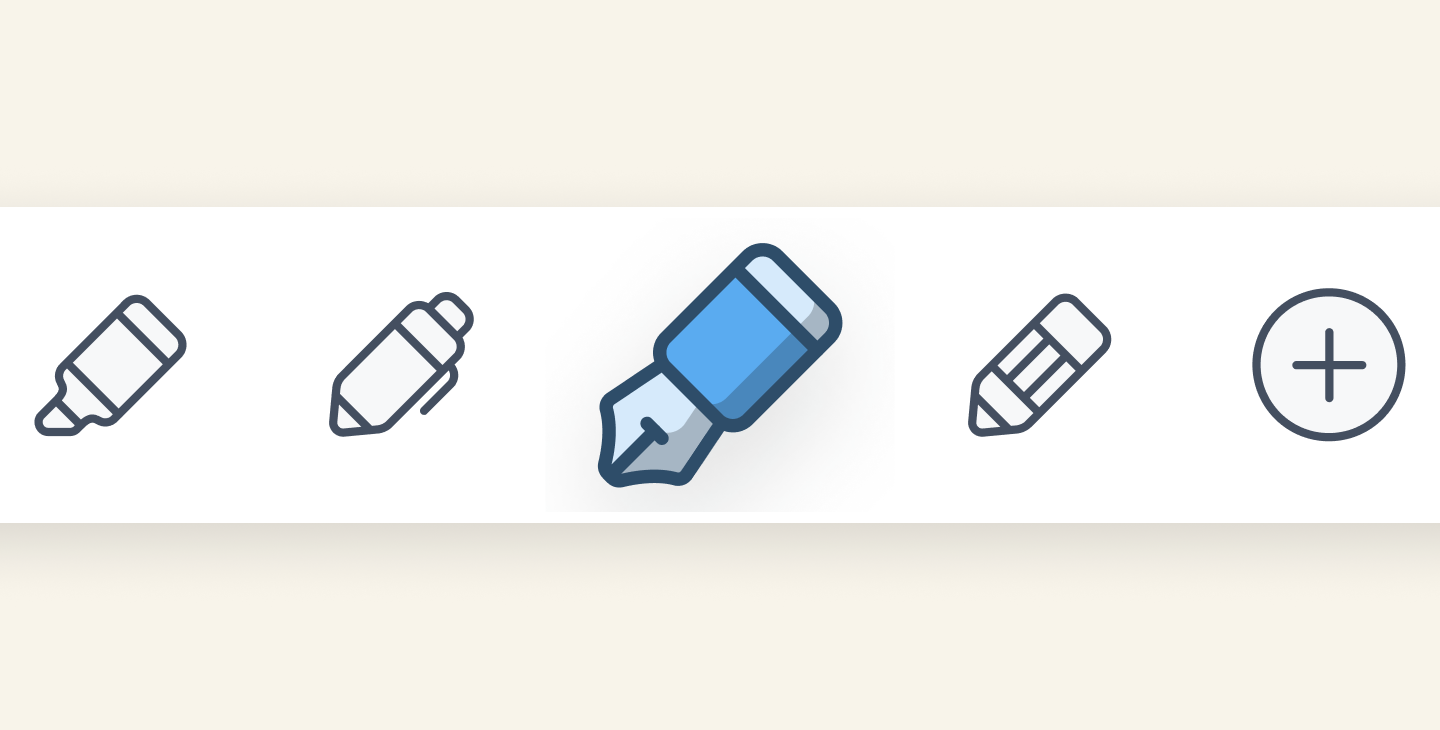
To get started with Calligraphy, open a note and look for an icon that resembles a fountain pen in your Toolbar. This is the Calligraphy Pen icon. If you don’t see it on your iPhone, tap to expand the Toolbar. To select the Calligraphy Pen, tap the fountain pen icon once. Tap it again to open its options for setting the nib angle. You can also drag the fountain pen icon into your primary Toolbar if you want to keep it within reach.
Once you start writing with the Calligraphy Pen, your notes with calligraphy strokes will sync and open on Android and the web, but they'll render as regular ink there for now. We'll announce when Calligraphy is fully available on Android and web soon. Once you start writing with the Calligraphy pen, your notes with calligraphy strokes will sync and open on Android and the web, but they'll render as regular ink there for now. We’ll announce when Calligraphy is fully available on Android and web, as well as other subscription tiers on iOS soon. In the meantime, check out our support article for more on setting the nib angle and writing with an Apple Pencil Pro.
Behind every beautiful stroke
Getting handwriting to look good across every user is harder than it sounds. "Everyone's handwriting is different, so one of the real challenges is making the Calligraphy tool look good across all of them," Holmes says. The team leaned on sampling from testers to get there, and when a stroke looked off, the team tracked down the root cause before iterating again.
Underneath the Calligraphy Pen, and every other ink tool in Notability, is a mathematical representation called a Bézier curve. The Bézier curve keeps handwriting sharp instead of pixelated when you zoom in, and also lets you select ink after the fact to restyle it, resize it, or move it while marking up a PDF.
Where engineering meets creativity
"We want notes to look good on any device, whether that's on an iPad Mini or a MacBook Pro. You should be able to zoom into your work without the app degrading the quality of your handwriting," Holmes says. That same standard applies to editing: because each stroke is stored as an editable object rather than baked into a fixed image, it can be changed on its own without redrawing the whole page. So if a user picks the wrong stroke width, they can change it later. And because each stroke updates independently, this is also what allows two people to edit different strokes on the same page at the same time without overwriting each other's work.
For Holmes, the Calligraphy Pen is an example of the work that's kept him in this field for over 14 years. "My favorite thing in the world is when math, engineering, and creativity intersect," he says. "There are rich mathematical theories and engineering frameworks behind how these features work, which makes building them satisfying on its own. But seeing what people actually create with those tools is the best part."
The Calligraphy Pen is in early access now for Plus and Pro users, and available to everyone starting August 31. Whether you're adding personality to your notes, creating polished section headers, or turning your handwriting into art, give the Calligraphy Pen a try and see what you make with it.

.png)