
Notability’s Back-to-School 2026 Guide: Every New Feature, Explained
From the Calligraphy Pen to AI-generated study guides, here's everything new in Notability this back-to-school season, and how to start using it.
TL;DR
- Calligraphy Pen: A new ink tool that creates thick-to-thin strokes like a flat nib, now available for all iOS users.
- Flashcard Import: Bring in decks from Anki, text files, or CSVs (including cards made with Claude or ChatGPT), with built-in spaced repetition.
- Academic Planner: Updated for 2026–2027 with flexible pages like the Course Overview, Assignment Planner, and Group Project Planner.
- Learn Home Screen: AI-generated quizzes in three modes, Practice, Memorize, and Test, plus the Learn Guarantee active through September 30.
- Cross-device sync: Notability is now available on iOS, Android, web, Mac, and Windows, so your notes stay in sync everywhere.
- Our limited time 20% discount for Back-to-School season is still live
Back-to-school season is here, and we’ve been busy. This summer brought Flashcard Import, the Calligraphy Pen, new Academic Planner, and a redesigned Learn system on your Home Screen, all synced seamlessly across iOS, Android, web, Mac and Windows. Here’s what’s new in Notability, and how to put it to work this semester.
Import your flashcards
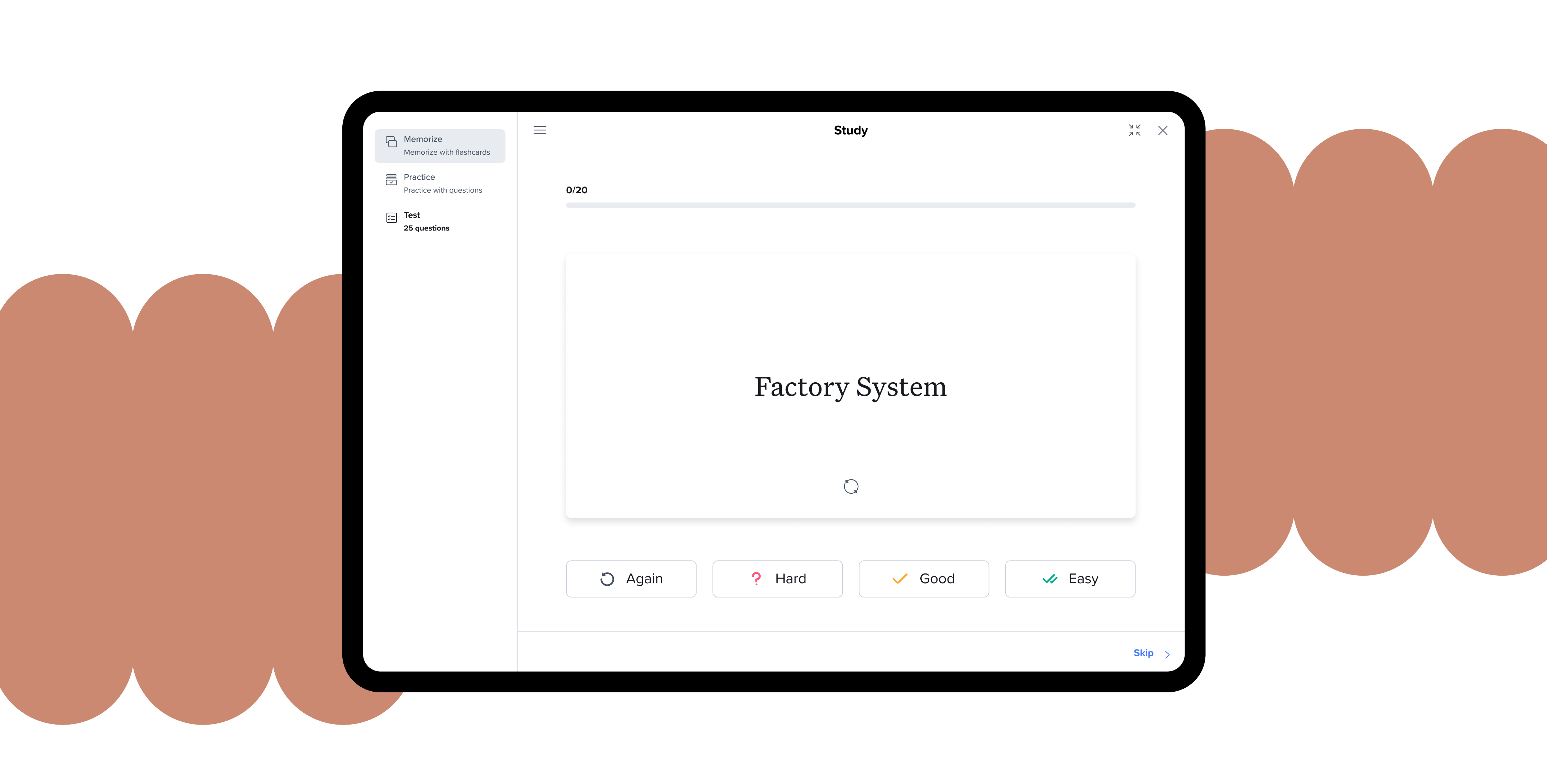
You shouldn’t have to rebuild your flashcards from scratch. If you’ve already created them on another platform, bring them straight into Notability instead. In the app, you’ll have the option to import from Anki, a text file, or even a CSV of cards you generated with Claude or ChatGPT. If you’re starting fresh, you can create your own cards manually by separating terms from definitions with a comma or tab.
Once they’re in, a new note is automatically created to study from, and every card you review gets rated Again, Hard, Good, or Easy. That way, spaced repetition brings back the cards you're still shaky on more often, while the ones you’ve already got down get out of your way. See how it works with a full breakdown, including where to import from on iOS versus web.
Write with the Calligraphy Pen
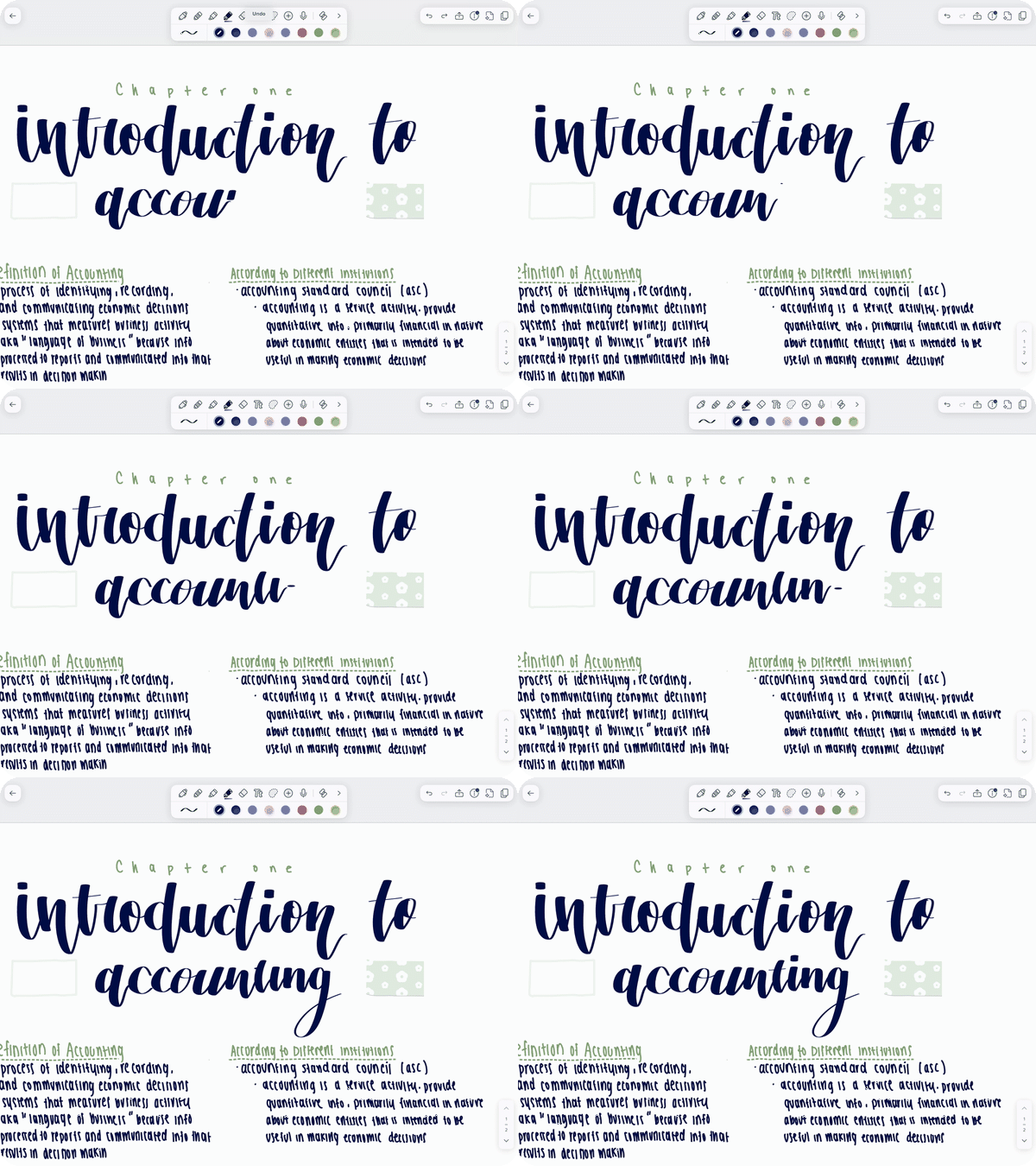
Give your notes a little personality this semester with the Calligraphy Pen, our newest ink tool. It draws strokes that shift between thick and thin as you write, the same way a flat calligraphy nib would. The Calligraphy pen is perfect for section headers, titles, or anytime you want to have beautiful writing. Find it in your Toolbar, tap once to select it, and tap again to set your nib angle or turn on Stabilization for smoother strokes. It’s available for all iOS users now, with Android on the way. Read the full guide for tips on writing with the Apple Pencil Pro and getting your angle just right.
Plan your semester with Academic Planners
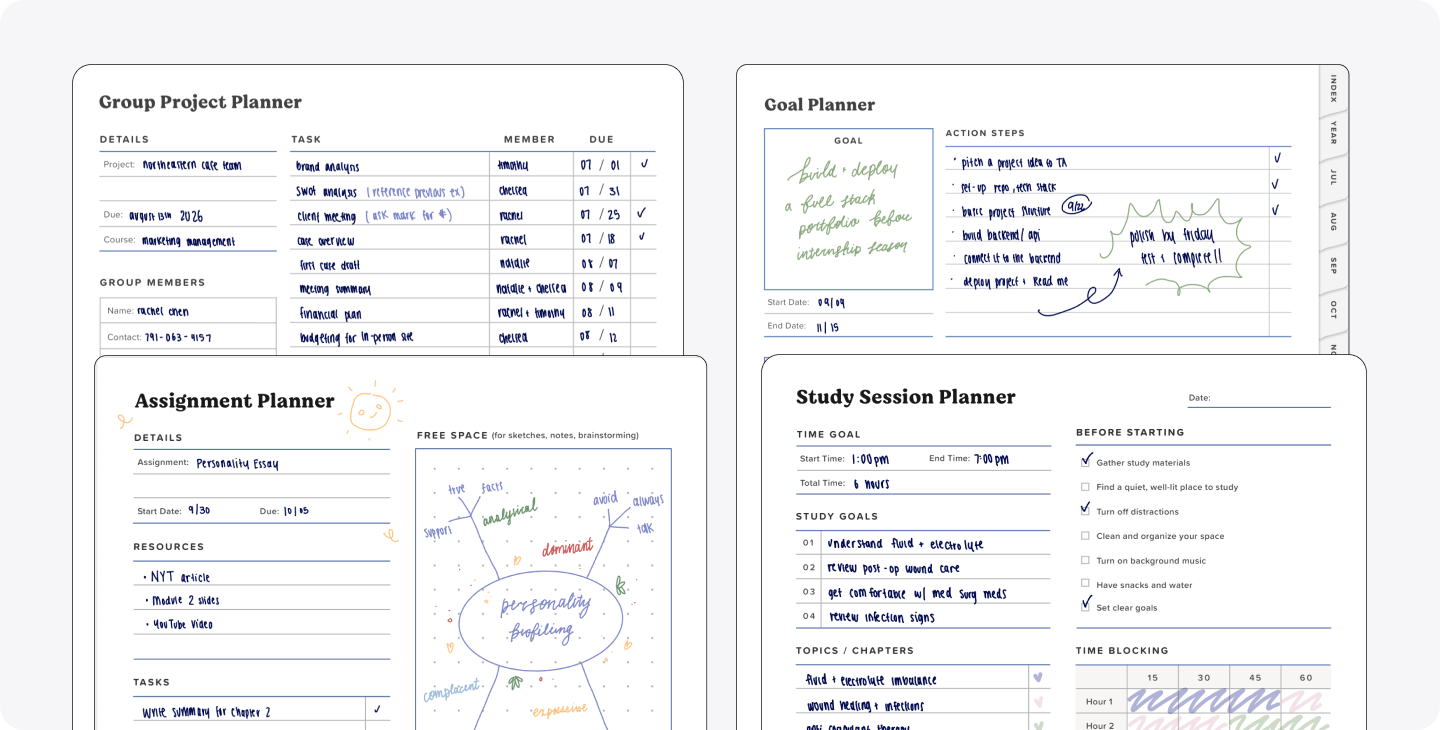
This school year, we've updated the Academic Planner for 2026–2027, built to last past week six, when most plans usually end up buried under actual coursework. The problem is that most planners are built for one kind of student, and you’re probably not even the same student every week. Some weeks call for a big-picture view of the semester, while other weeks you need to break a Tuesday down hour by hour. Our Academic Planner is built around that shift.
You can map out your whole semester with the Course Overview page, then switch to an Assignment Planner page when it’s time to organize a single task instead. When exams or group projects come up, there’s a Group Project Planner page built to track who's responsible for what, complete with a contact list. It’s less a planner you fill out and more one that keeps up with whatever your semester throws at you. To get started, create a New Note, select Templates, then Planners, and start making it your own.
Study with the new Learn Home Screen
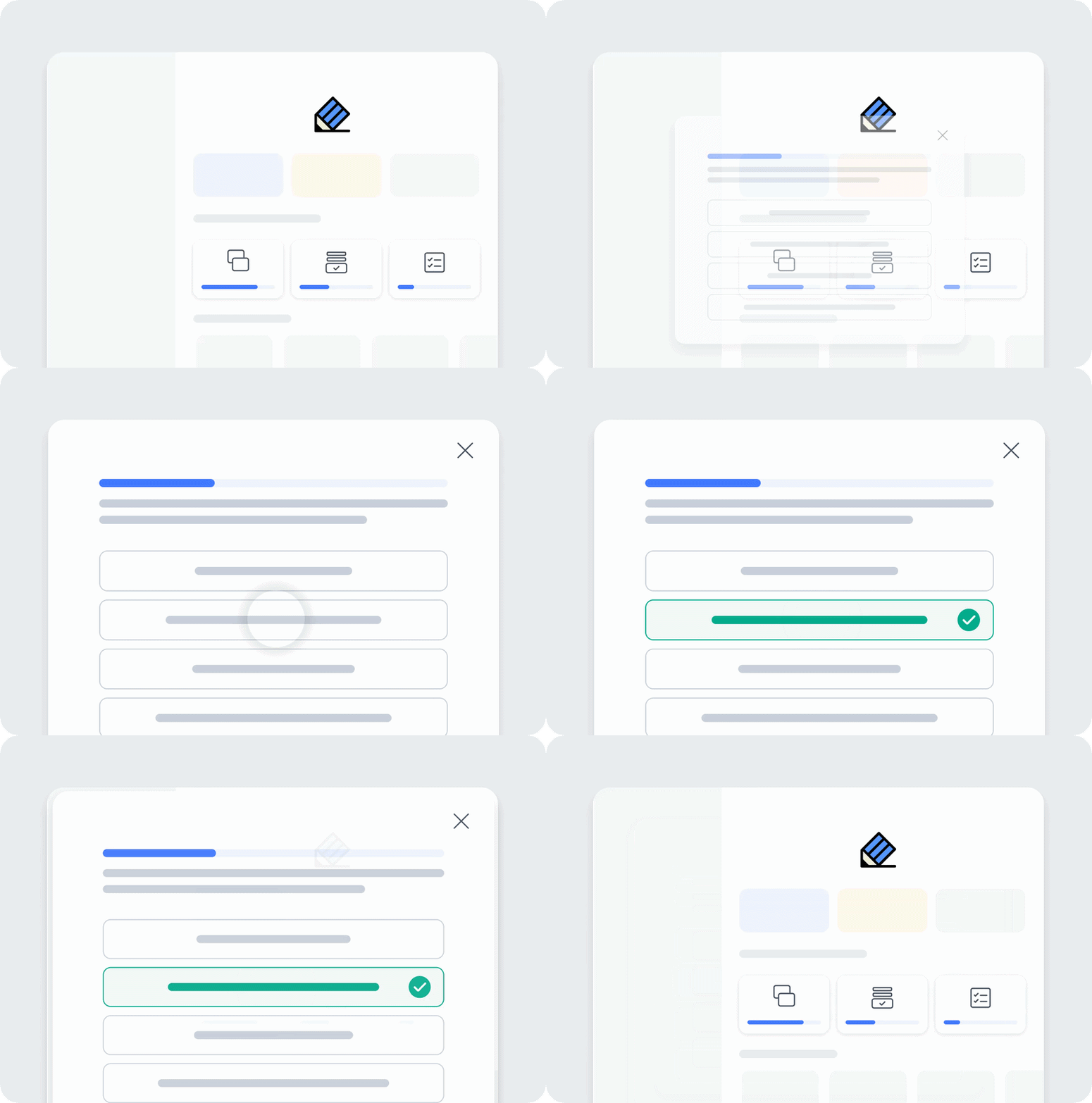
When you’re studying for exams, the last thing you want to do is spend hours making quizzes, flashcards, or summaries of work you’ve already done. Now enjoy Learn being right on the home screen, automatically generating different quiz modes: Practice, Memorize, and Test. Focus on learning the content in class, while letting Learn do the grunt work.
We’re also putting our work to the test this fall through the Learn Guarantee. Anytime from now until September 30th, sign up for Plus or Pro, and try out Learn. If it doesn’t help you retain class material, you can file a claim and we’ll cover you for the rest of semester, offering 90 days free of whatever subscription plan you purchased. Learn full details of the guarantee.
Stay in sync everywhere
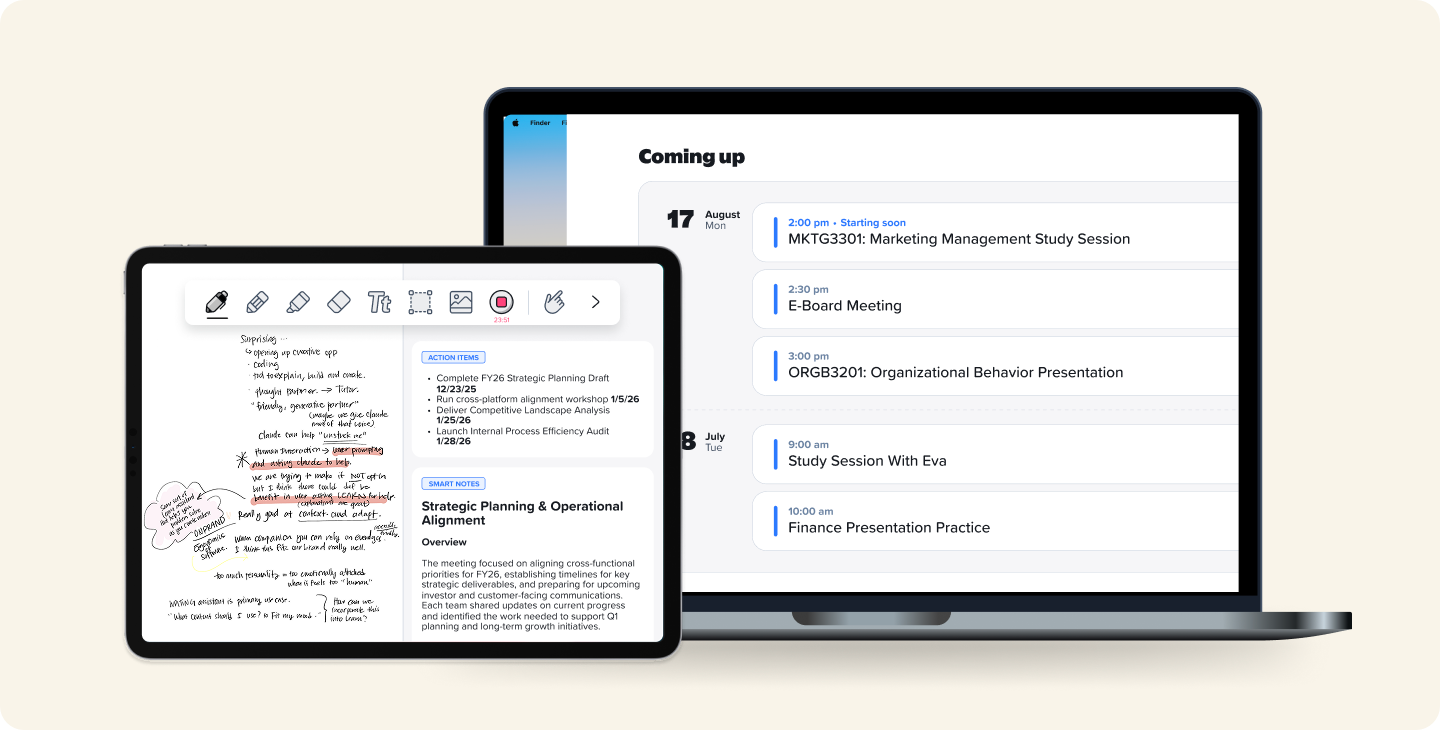
Your notes shouldn’t be stuck on one device. That’s why Notability works across your phone, tablet, and laptop, so studying doesn’t get limited to when you only have access to one device. Write on your tablet at a cafe, review flashcards on your phone in between periods, and record a lecture on your laptop, all the same notebook, perfectly in sync.
When you need to work with a classmate or study group, share a note so everyone stays on the same page in real time. Sign in on iOS, Android, web, or Windows, and pick up exactly where you left off. You’re now also able to take recordings and notes straight from your calendar on our desktop apps.
What’s up next
Thank you for your patience, feedback, and trust as you start your new school year. We've been hearing you, and we hope that’s clear in our new features and offerings. There’s still more to come this back-to-school season: in a few weeks, you'll be able to add comments to your notes and chat across your entire library of notes. And if you haven’t already, our Back to School sale is still running, 20% off through September.


.png)