The AI Notebook for Back-to-Back Meetings
Notability is now available on Windows in a new desktop app. Plus, a new way to record meetings and lectures straight from your calendar.
TL;DR
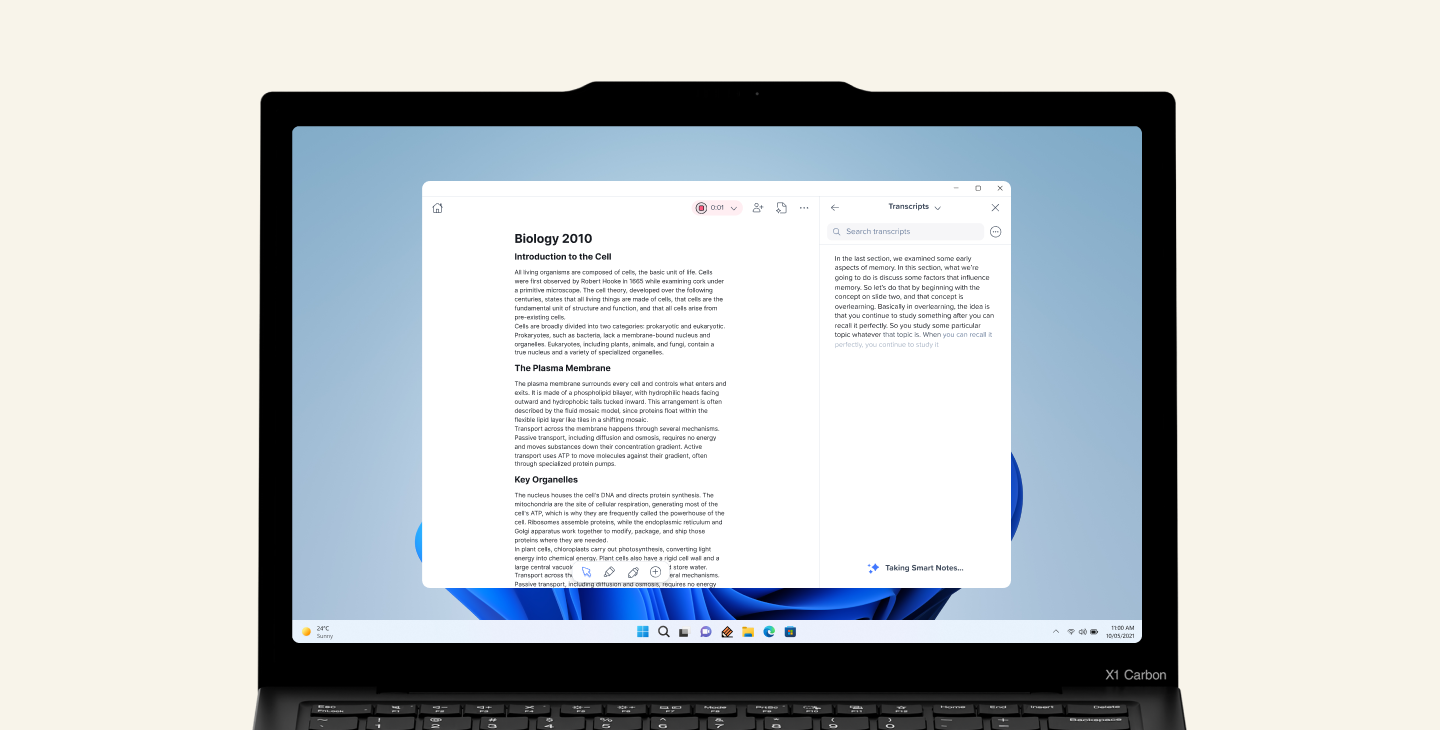
- Notability is now available on Windows in a new desktop app.
- The Windows and Mac desktop apps can join in-person meetings, as well as Zoom, Teams, and Google Meet calls, capturing system audio natively and transcribing what’s said in your calls. No meeting bot attached.
- Notability connects to your calendar and offers to record before a meeting starts. You can also start recording manually.
- Take notes during your call and switch notes mid-call without losing your recording.
- A new Finish my notes button combines your recording with your typed notes into one finished note.
- Export any note as a PDF on Windows, Mac, and web, with handwriting, typed notes, images, and math included.
Notability is now on Windows
Notability is now available on Windows in a brand new desktop app, alongside a new Mac desktop app. The same notes, library, and Notability Cloud sync is now available on your PC too.
But this release is more than just a new platform. Notability can now join your lectures and meetings from your calendar, and turn your recordings into notes on its own.
If you’re on Notability Cloud, the Windows and Mac apps carry over your login, your library, and your notes from the iOS, Android, and web app. Updates install automatically, so you're always on the latest version. And for teams managing devices at scale, the Windows and Mac app will support MSI and Intune deployment soon.
One app for your notes and meetings
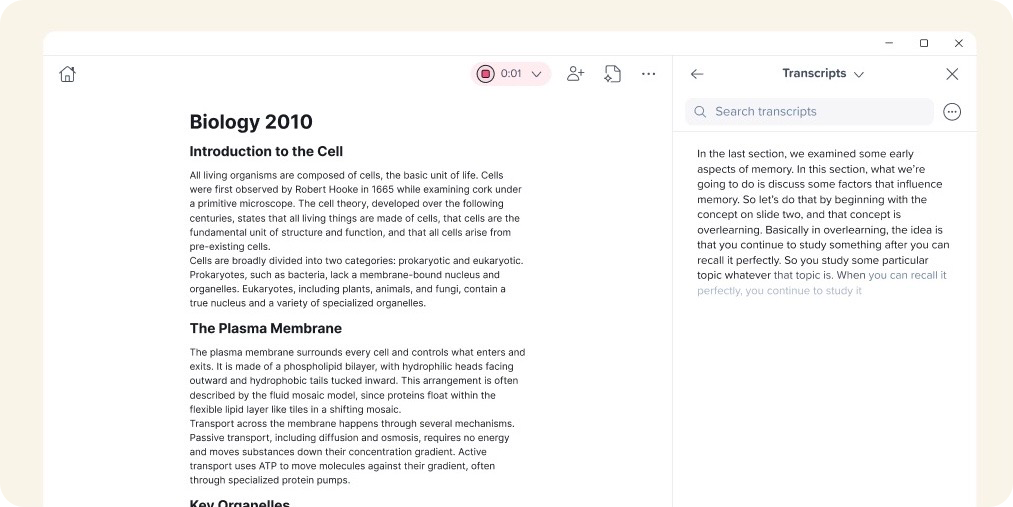
If you're on a Zoom, Teams, or Google Meet call, Notability can capture the full conversation, not just what your microphone picks up. It records system audio, capturing both your voice and other participants', so the whole discussion ends up in one transcript. Plus, no awkward meeting bot attends your call with you.
Notability also knows when a meeting is about to start. It connects to your calendar and offers to capture the call before you even ask. If a meeting or lecture isn't on your calendar, you can still start capturing audio yourself. Need to jump to a different note mid-call? Stop, switch, and resume recording without hunting through menus.
When the call wraps up, a Finish my notes button appears. Tap it, and Notability combines your recording with anything you typed or annotated into one finished note. No stitching notes and transcripts together yourself.
Export your notes as a PDF
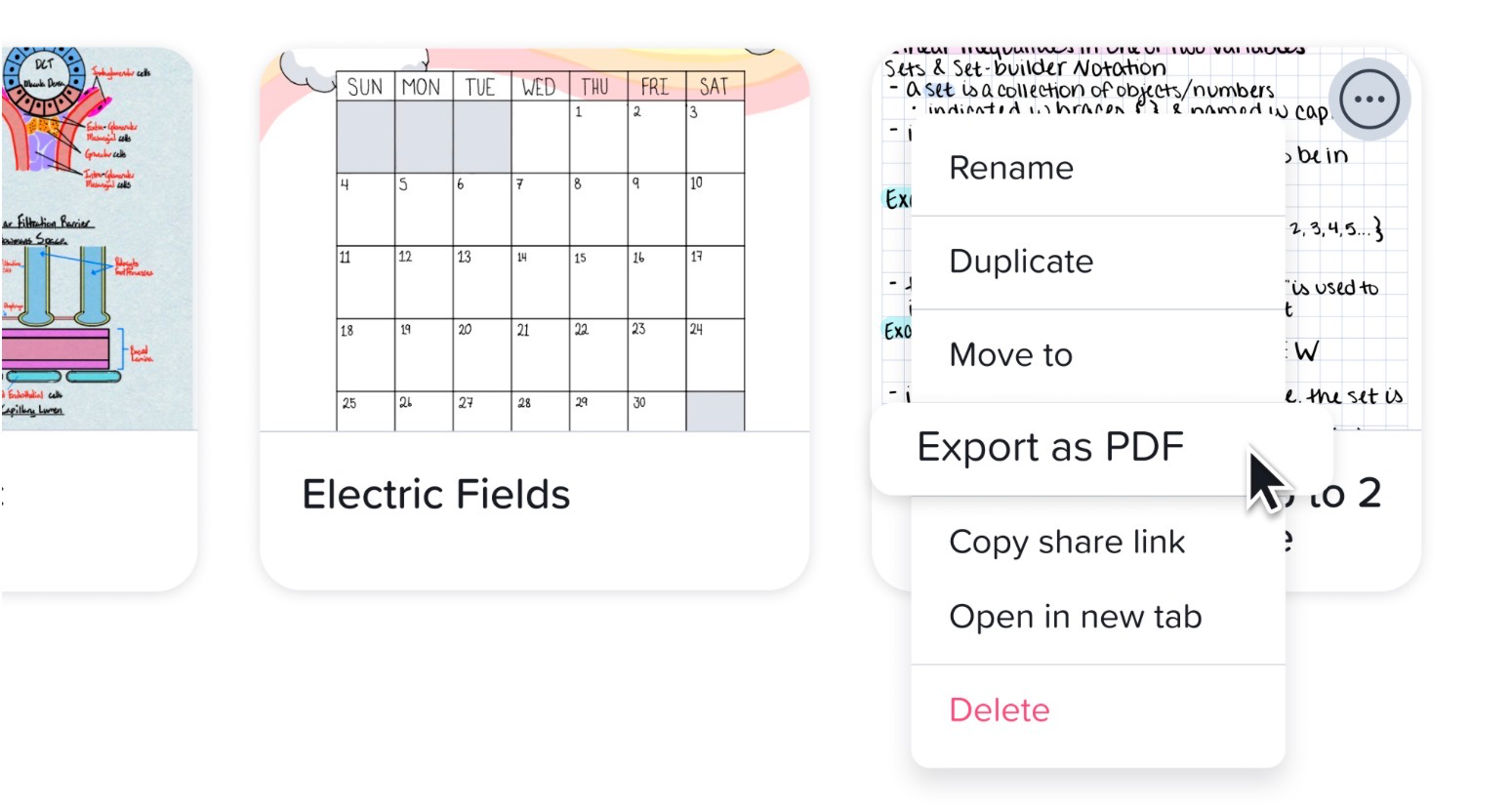
You can now export any note as a PDF on Windows, Mac, and the web app too, complete with your handwriting, typed notes, images, and math. It’s a simple way to share a note, print it, or keep a copy outside Notability. More features, such as clickable links and audio, will be included in export options soon.
New ways to capture notes
We’re excited to finally bring Notability to Windows and expand our offering to users across all device types. Capturing content in your lectures and meetings just got easier and more powerful. Download the new Windows and Mac app, and take Notability with you to your next meeting or lecture.