Tackle a New Semester with Notability
A beginner-friendly guide to taking better notes, studying smarter, and staying organized all semester.

A new semester always starts with good intentions. You open fresh folders on your laptop and promise yourself that this time you’ll stay organized, keep up with lectures, and actually review your notes before exams.
If you’re new to Notability, here’s the good news: you don’t need to reinvent your study habits to succeed this semester. You just need the right tools to support them. Whether you’re transitioning from paper notes, juggling multiple devices, or looking for smarter ways to study, Notability is designed to meet you where you are and grow with you throughout the term.
Here’s how students new to Notability can use it to build better habits, and better results, from day one.
Centralize Everything in One Place

One of the biggest challenges students face at the beginning of a semester is fragmentation. Your class notes live in multiple notebooks, your PDFs are buried in email threads, and lecture slides are scattered across platforms. And your semester doesn’t always happen on a single device. You might take notes on an iPad in class, review them on your laptop at the library, and skim them on your phone before a quiz.
Notability eliminates that chaos by letting you store all your notes and documents across all classes in one organized workspace. You can import lecture slides, syllabi, readings, and assignments directly into your notes, then annotate them with handwriting, typed text, highlights, and drawings.
We’ll keep all your notes synced across your iOS devices and Notability Web, so your work is always up to date. No exporting, emailing, or version confusion required.
“This app stores all of my notes and documents for all of my classes… Additionally, it has iCloud syncing, so you can access your stuff from any device.” - a student using Notability
For students moving away from paper, this all-in-one approach makes the transition easier.
“I was hesitant to move from paper to a digital form of note taking, but Notability made that transition a lot easier. It’s easy to organize, add templates, create templates, and customize my notes to what makes the most sense for me.” - a student using Notability
With folders and dividers for each class, your semester stays structured, even when your schedule isn’t.
Don’t Just Take Notes. Start Learning From Them.
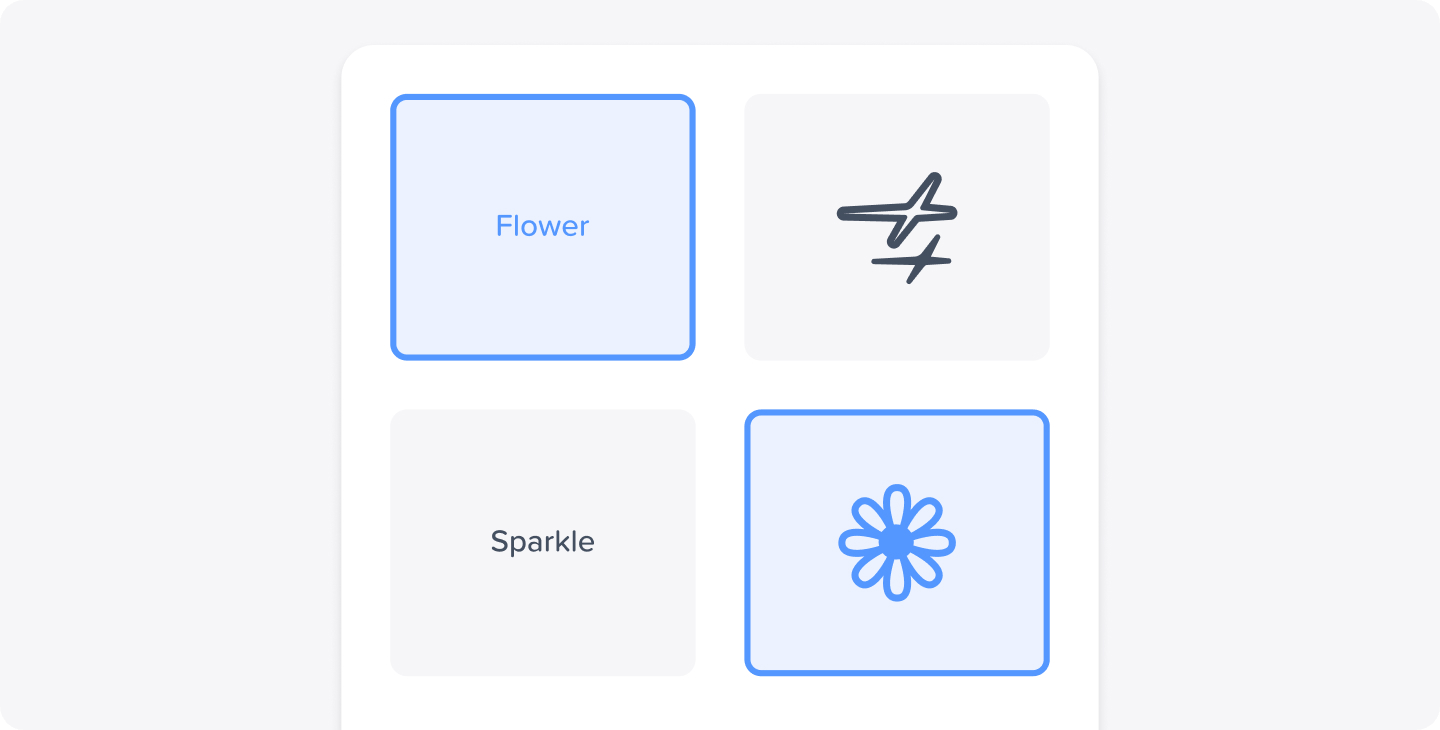
Taking notes is only half the equation. The real learning happens when you review and test yourself. Notability is built for active note-taking, not passive transcription. You can combine handwritten notes, typed text, images, and audio recordings in a single document, so your notes reflect how you actually learn.
Many students rely on audio recording to capture lectures while they write or annotate slides. Others use handwriting to reinforce memory or draw diagrams that typing can’t easily capture. Notability supports both, without forcing you to choose.
“Notability has truly made note-taking much easier for me. It offers a wide range of features and options that help create great notes—literally everything one could need in a note-taking app.” - a student using Notability
Notability Learn features also turn your notes into interactive study tools, automatically generating summaries and quizzes so you can test yourself instead of just rereading.
“This new AI generation they have for summaries is literally perfect… It is a concise and easy to read summary while also making sure that every important point is mentioned.” - a student using Notability
One standout option for the new semester is the Mix & Match quiz question type, which lets you match terms with their definitions. The feature is perfect for subjects like biology, history, languages, and medicine. This kind of active recall helps reinforce understanding and makes daily review sessions more effective. Instead of waiting until midterms to realize what you don’t know, you can check your understanding consistently from week one.
“A revolutionary revision tool. With quizzes automatically generated from my course notes, I can easily revise and practice every day.” - a student using Notability
As the semester ramps up, these efficiencies add up to clearer notes and less stress.
Turn Video Lectures into Searchable Study Material
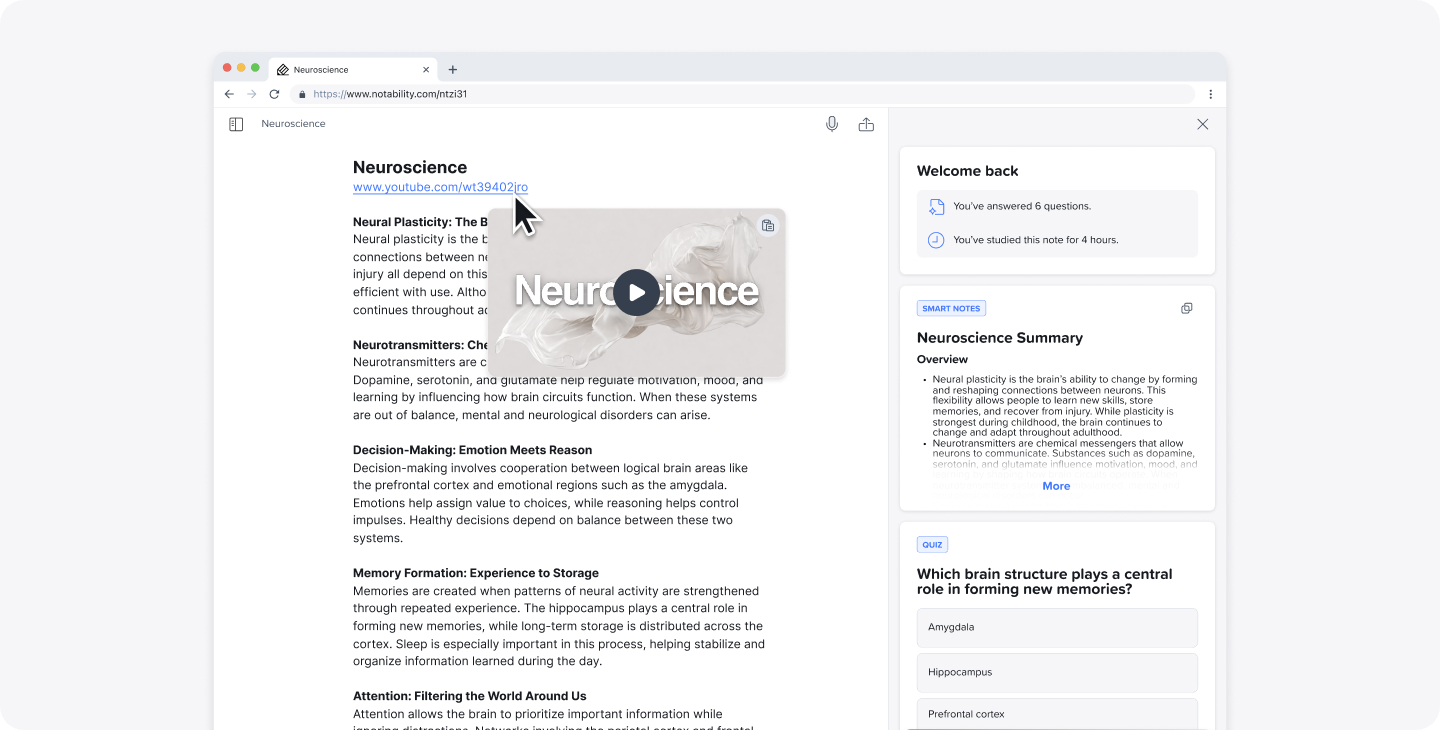
Many classes now rely heavily on video lectures, online lessons, or recorded review sessions. With Notability Web, you can display and play YouTube videos directly on top of your notes and study alongside them. This feature is now exclusively available on our web app.
Notability will also generate a transcript from the YouTube video, making it easy to review key points, search for specific topics, and study at your own pace, without scrubbing through hours of footage. This is especially helpful if you miss a class, want to revisit a complex concept, or prefer reading along while watching. Instead of juggling multiple tabs and tools, everything stays connected in one place.
Make This the Semester You Stay Organized
Notability isn’t just about prettier notes. It’s about creating a system that works for you. Whether you’re a first-year student figuring things out or an upperclassman refining your workflow, starting the semester with Notability sets you up for consistency, clarity, and confidence.
“This is by far the best note taking app out there… I literally use this app all the time, and I recommend it to all of my friends.” - a student using Notability
A new year brings new classes, new challenges, and new opportunities to learn smarter. With Notability, you’re not just keeping up—you’re staying ahead.

.png)