The 5 Best Note-Taking Apps in 2026
A comparison of the top note-taking apps shaping how we think, study, and work in 2026.

In 2026, note-taking tools are more powerful and diverse than ever. Students, professionals, and casual notetakers can find an app that’s tailored to their workflow, from minimalist quick captures to collaborative meeting notes. Here’s a look at five standout apps, in no particular order, worth considering this year to organize your thoughts and capture information quickly.
Apple Notes
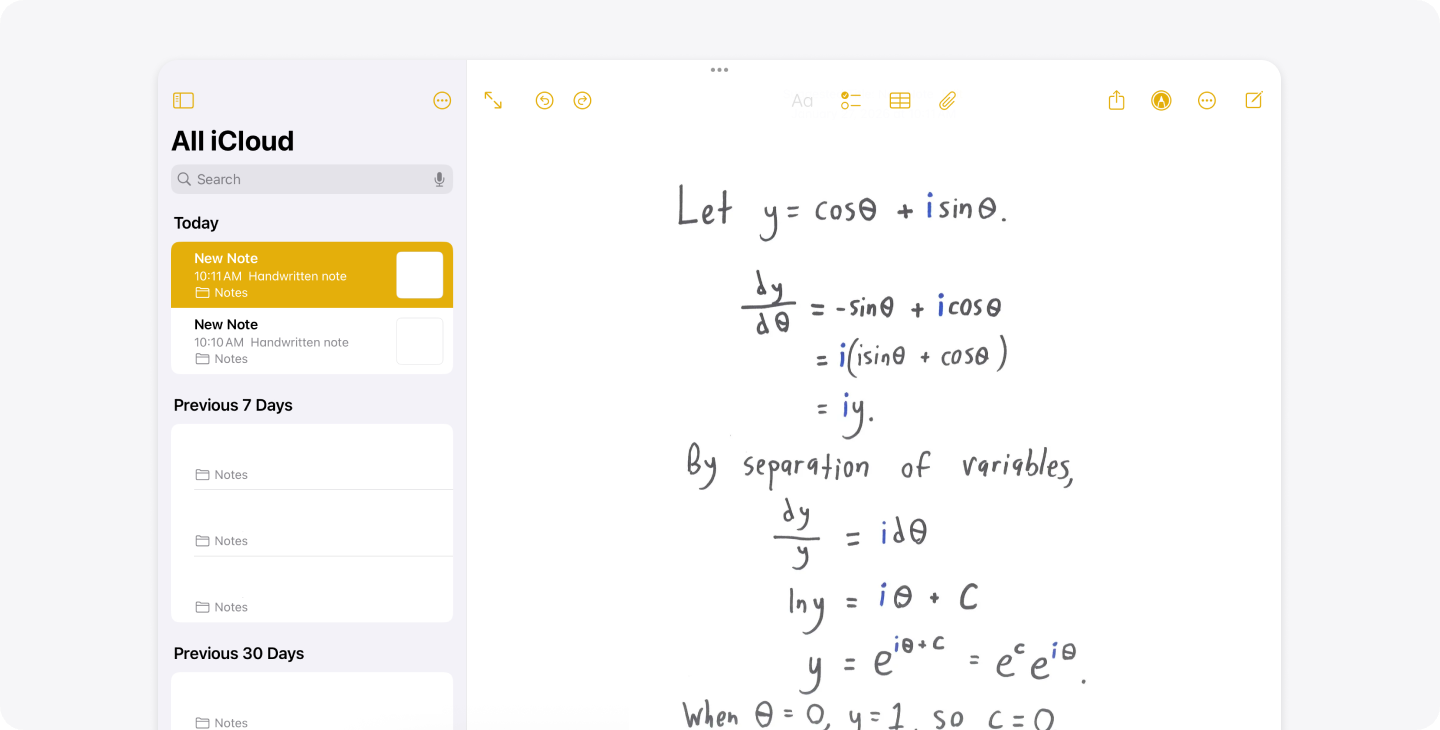
Apple Notes is the default note app for users who own a Mac, iPhone, Apple Watch, and iPad. Your notes will sync and be available on any Apple device via iCloud. The Apple Notes app also supports rich text and multimedia, with handwriting support on iPads with an Apple Pencil. You can organize your notes into folders, add attachments to your notes, and proofread and rewrite your notes with Apple Intelligence. Notes with personal or sensitive data can also be stored securely by being locked with a password or FaceID.
The app is free and pre-installed on Apple devices with no ads. We recommend using Apple Notes if your tablet, watch, phone, and laptop are deeply integrated into the Apple ecosystem. However, if you do not own any Apple products, you won’t be able to use the app, and we recommend trying another note-taking platform instead.
Notability
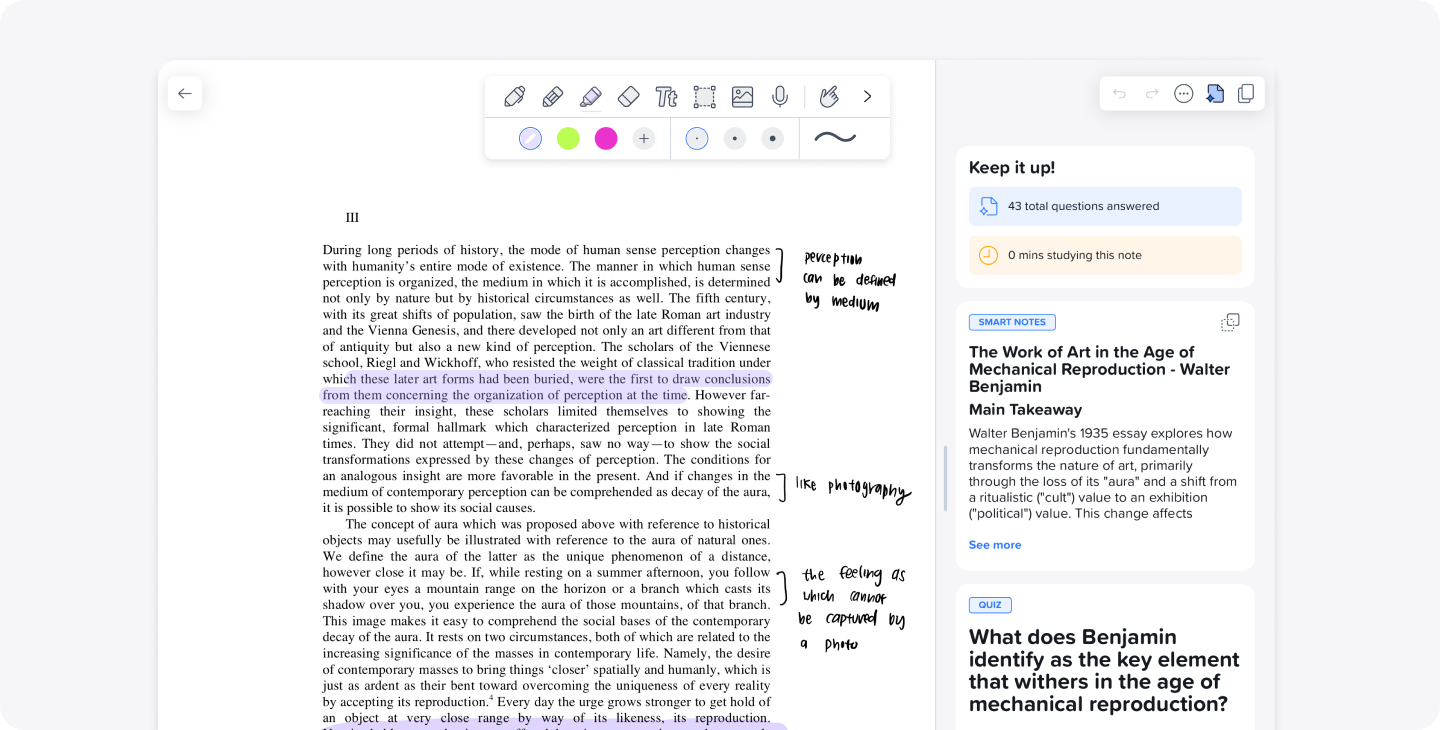
Notability is a strong choice for students and working professionals who love handwriting and annotating documents in addition to or even in place of typed notes. The application supports typed notes on any web browser and typed and handwritten notes on iOS devices. Users who do not own Apple devices can use Notability on any web browser with Notability Web, and on Android devices (coming to beta this April!). You can embed media, record audio, mark up PDFs, and convert math and handwriting to text in your notes. Teams can also benefit from working collaboratively on Notability with Action Items available on Notability, and live collaboration coming soon to all Notability users. Furthermore, with Notability Cloud, notes sync seamlessly across all of your devices.
Notability is free to use, with premium AI-powered study features such as personalized quizzes, summaries, and flashcards available with a subscription. We recommend using Notability for all note-taking users, as there is a workflow that fits whatever learning style you have. The built-in tools for document annotation and PDF support make the app great for project collaboration, lecture notes, and research.
Google Keep
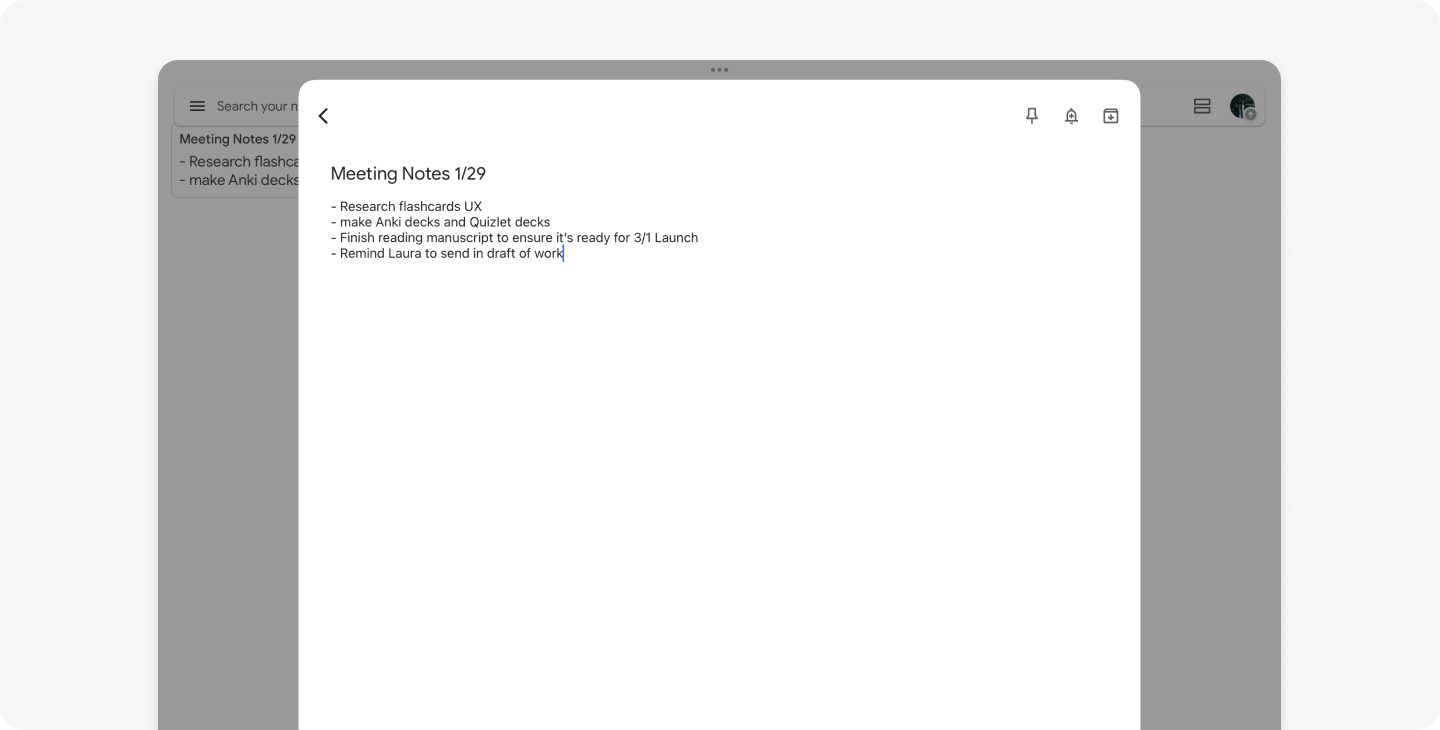
Google Keep is a lightweight note capture tool that’s ideal for quick text, voice recordings, photos, and checklists. Its card-style interface makes notes easy to scan when reading and organize visually with colors and labels. Integration with Google Workspace, including Google Docs, Calendar, and Drive, makes it especially useful for users who are already in the Google ecosystem.
The platform is fast and intuitive for short-lived notes and reminders. If you’re a note-taker that gets overwhelmed with more detailed features, the simplicity of Google Keep could be beneficial for you. However, the basic formatting and organization, including no folders, does not make it ideal for long-form note-taking or detailed documents. The advanced note management features are limited compared to other note-taking alternatives.
Bear
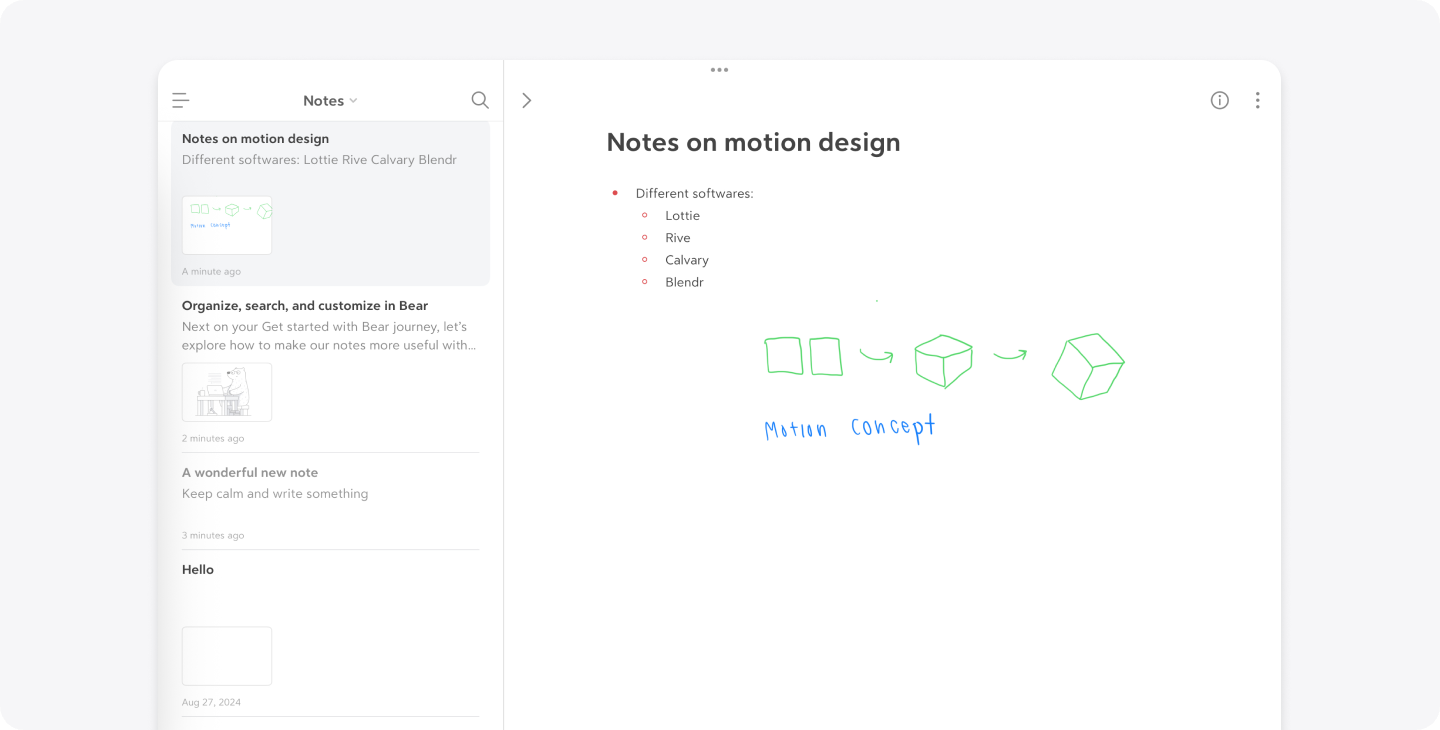
Bear is a minimalist writing app geared towards writers, thinkers, and Markdown fans. It uses a tag-based system instead of traditional folders, and offers flexible formatting, export options, and a distraction-free writing space. The interface is distraction-free, ideal for focused writing. Its organization is also flexible with Markdown support and nested tags.
If you’re looking for a fast and lightweight option for Apple devices, Bear may be the best fit for you with its availability on macOS and iOS. However, the application is only available on Apple devices, not Android or Windows. Some features, such as syncing via iCloud, require a Pro subscription. There is also a lack of built-in collaboration features, so another note-taking application may be better suited if you work more collaboratively.
Hive Notes
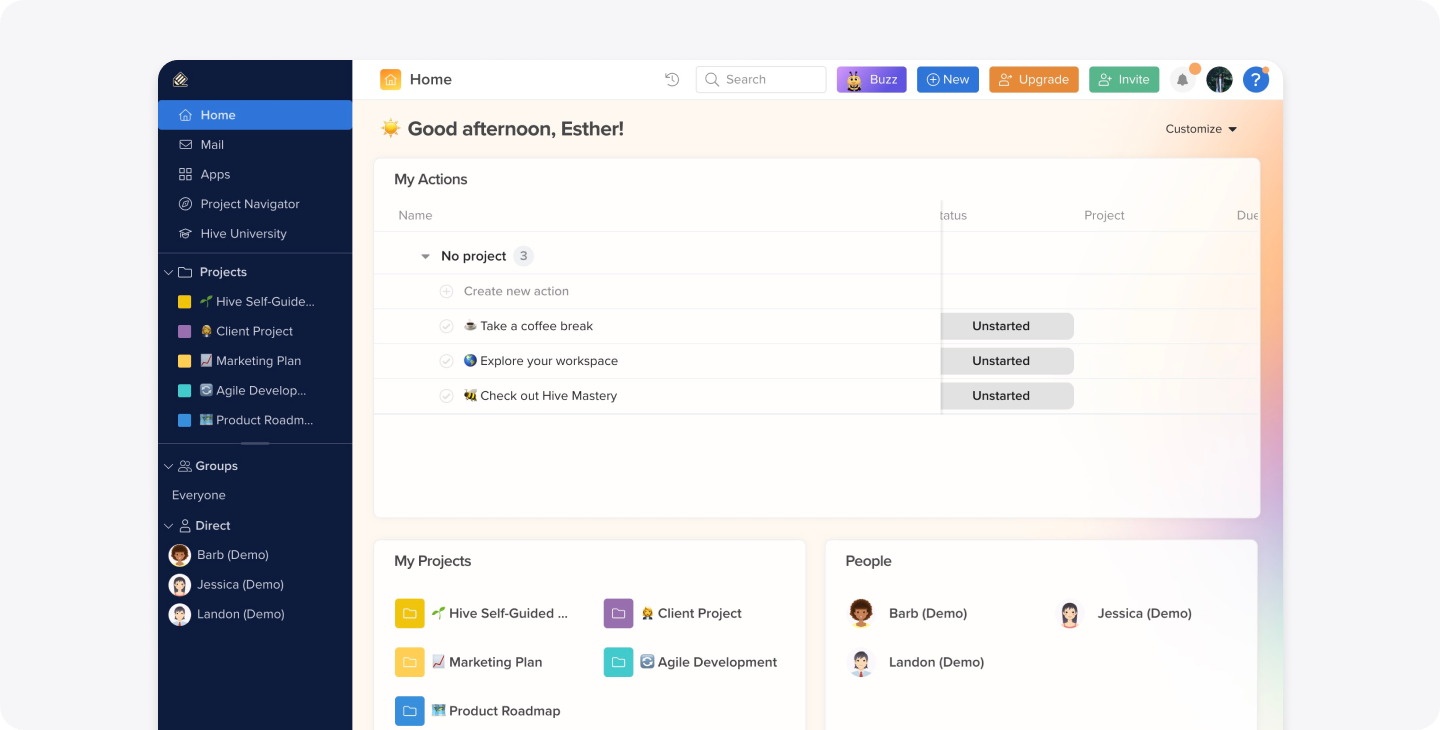
Hive Notes is part of the broader Hive productivity platform and focuses on collaborative note-taking within meetings, especially with video conferencing tools like Zoom. You can link your meeting notes to calendar events, share agendas before meetings, take real-time shared notes, and track follow-up tasks. It’s ideal for teams or workgroups who need meeting note capture integrated with task tracking. There is also a section to add quick, private notes that won’t be seen by your teammates.
If your team uses meeting-centric collaboration with shared agendas, edits, and deadlines, Hive Notes may be great for you. We recommend using it if you complete most of your work on a desktop or web browser, as Hive Notes’ mobile feature set can be limited. However, if you’re someone who works on the go on your phone, or prefers a note-taking platform that acts as your own personal workspace, Hive Notes may not be a fit for you.
Final Thoughts
No matter your needs in a note-taking platform—quick lists, handwritten notes, or collaborative meeting agendas—there’s an app here to help you capture and organize your thoughts more effectively in 2026. If you’d like to test if one of these apps can fit your note-taking style, you can start with a free trial of Notability Pro and get a taste of the powerful features that will enhance your notes, collaboration, and learning.


.png)